v1.3 Homunculus Online

The Zen Garden for your Media Library.

Stop manually renaming "IMG_5923.jpg". Visual Alchemist uses AI to automatically rename, caption, generate context-aware alt text, and SEO-optimize your WordPress images the moment you upload them.

The Cleanup

Mass Fix Existing Images

The Automation

Auto-Optimize New Uploads

Free SEO Audit

Diagnose your Media Library.

Enter your WordPress URL. Our scanner will query your REST API to detect missing alt tags, empty captions, and chaotic filenames holding back your rankings.

Deep scanning up to 2,000 images from your media library. No installation required.

βš—οΈ

Consulting the Oracle...

Connecting to target REST API...

Diagnosis Complete.

Here is the current state of your site.

🧬

Library Resonance

Your library is Unrefined.

Based on 0 total images.

0%

No Alt Text

0

No Caption

0

No Desc

0

Chaotic Names

0

✨

Buy Visual Alchemist

Or skip the manual work and mass-fix your library instantly.

You upload chaos. We return order.

WordPress ignores your filenames. Search engines hate missing Alt Text. Visual Alchemist fixes your entire library without you lifting a finger.

Before

DSC_88291_final_v2.jpg

Alt Text: (Empty)

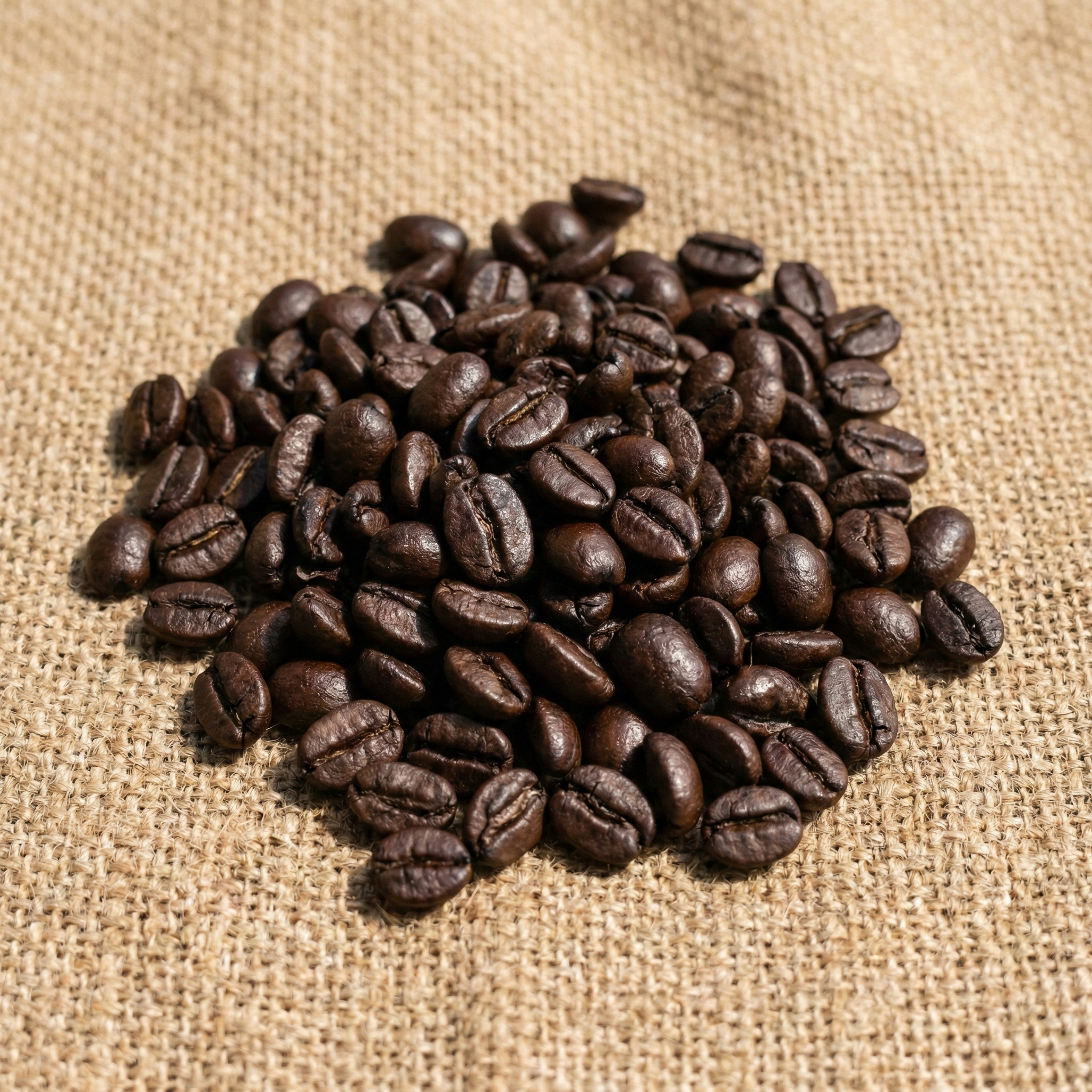
After Alchemist ✨
Freshly roasted organic coffee beans

organic-coffee-beans.webp

Alt: "Freshly roasted organic coffee beans"

Laboratories

Three Modes of Transmutation

βš—οΈ

Mass Transmute

Scan your entire existing library. The AI detects chaotic filenames and missing tags, then fixes thousands of images in one batch.

Auto-Pilot
🧬

Homunculus Protocol

Set it and forget it. The construct lives in your dashboard, instantly transmuting new uploads before they even hit your library.

πŸ›‘οΈ

Time Vault

Fear no data loss. Every transmutation creates a backup in the Time Vault. One-click restore ensures you are always safe.

Fine-Tune the Magic.

You aren't just running a script; you are controlling an intelligence. Adjust the weights, set the rules, and let the Homunculus do the work.

βœ“

Smart Naming Patterns

Choose between purely AI-generated slugs, or combine them with dates and site names.

βœ“

Next-Gen Delivery

Automatically convert bulky JPEGs into lightning-fast AVIF or WebP formats while optionally protecting your transparent PNGs.

βœ“

Privacy & Protection

Strip hidden GPS/EXIF bloat from mobile uploads and instantly stamp a custom watermark to prevent image theft.

Actual UI

Alchemist Settings

Processing Rules

Rename Files
Alt Text
Post Caption
Description
Max Resize
Compress
WebP
AVIF
Strip EXIF
Watermark
Use Post Title for Context

If attached to a post, the AI will use the post title to understand context.

Skip PNGs (Preserve Transparency)

Intelligence & Setup

2048px

Images larger than this will be scaled down.

80%

Lower = smaller file size.

Powered by OpenAI GPT Vision

You hold the keys.

Visual Alchemist connects directly to your OpenAI account. This ensures you get the lowest possible price per image with zero markup from us.

βœ“ Direct Connection

Paste your secure OpenAI connection code to get wholesale pricing with zero middleman markups.

πŸ‘οΈ Vision Model

We use the OpenAI Vision model to analyze pixels and generate context-aware descriptions.

Performance Alchemy

Turn Heavy Lead into Light.

Unoptimized images are the #1 reason WordPress sites fail Core Web Vitals. Visual Alchemist automatically converts to WebP & AVIF and compresses file size by up to 80%β€”keeping your visitors happy and Google smiling.

Before Optimization
report_v1.json
73
Performance
76
Accessibility
77
Best Practice
72
SEO
⚠️

Diagnosis: Images are formatted as oversized PNGs/JPGs with bloated EXIF data, impacting Performance and Best Practices scores.

With Alchemist
report_final.json
100
Performance
100
Accessibility
100
Best Practice
100
SEO
πŸš€

Result: Images resized, EXIF wiped, converted to WebP/AVIF. Alt Tags filled. All Core Web Vitals passed.

Limited Time β€’ Lifetime Deal

Unleash the Alchemist.

Stop renting SEO software. Pay once and automate your image optimization forever.

πŸ’Έ

The Wholesale API Advantage

Because you connect your own OpenAI key, you pay wholesale compute prices with $0 markup from us. Processing 1,000 images costs roughly $2.50 directly to OpenAI. Stop paying $29/mo for credit limits!

Initiate

Perfect for personal blogs and single projects.

Normally $49
$29 / one-time
  • βœ“ 1 Website License
  • βœ“ Zero Monthly Fees
  • βœ“ Direct OpenAI Integration
  • βœ“ Lifetime Updates
  • βœ“ Forever Support
Most Popular

Adept

The sweet spot for freelancers and growing portfolios.

Normally $99
$79 / one-time
  • βœ“ 5 Website Licenses
  • βœ“ Zero Monthly Fees
  • βœ“ Direct OpenAI Integration
  • βœ“ Lifetime Updates
  • βœ“ Forever Support

Grandmaster

For agencies and developers managing client sites.

Normally $149
$129 / one-time
  • βœ“ Unlimited Website Licenses
  • βœ“ Zero Monthly Fees
  • βœ“ Direct OpenAI Integration
  • βœ“ Lifetime Updates
  • βœ“ Forever Support

14-Day Money-Back Guarantee

If Visual Alchemist doesn't save you time and boost your SEO, we'll refund 100% of your money. No questions asked.

Still in doubt? Ask us any question

Seekers of Truth

Frequently Asked Questions

Everything you need to know about the alchemy.

How much do I actually save by bringing my own API key?
A massive amount. Most WordPress AI image plugins charge $5 to $15 every single month just to give you a tiny allowance of "credits" (often limited to just 100-500 images). By bringing your own API key, you bypass the middleman completely. You pay OpenAI's raw wholesale priceβ€”typically less than half a cent ($0.002 to $0.005) per image using the GPT-4 Vision model.
I'm not a developer. Is it hard to set up the OpenAI API key?
Not at all. It takes less than two minutes and requires zero coding. You simply create an account on OpenAI's platform, click the "Create Secret Key" button, add a starting balance of $5, and copy-paste that key into the Visual Alchemist dashboard. Think of it exactly like copying and pasting a secure password. We even have a step-by-step guide in the Grimoire to walk you through it.
Will this slow down my site during mass transmutations?
No. Visual Alchemist runs its heavy processing asynchronously in the background. It sends the images to OpenAI's servers for analysis, meaning your server's CPU and memory aren't bogged down analyzing pixels. Your visitors won't feel a thing.
Does it overwrite or delete my original images?
Your original files are safe. When the Time Vault feature is enabled, every transmutation creates a backup of your original image and metadata. If you don't like the AI's choices, you can restore the original file with a single click.
Do I need a paid OpenAI Plus subscription?
You do not need a ChatGPT Plus subscription ($20/mo). You only need a standard OpenAI Developer account. You simply load a small, one-time balance (like $5) into your API account, and you only pay for exactly what you process.
Does this work with WooCommerce products?
Yes! Visual Alchemist works natively with the WordPress Media Library, meaning it perfectly optimizes your WooCommerce product images, galleries, and category thumbnails just like any standard blog post image.
πŸ“š

Consult the Grimoire.

Need help setting up your API key or fine-tuning the homunculus? Our detailed documentation covers every step of the process.

πŸ“– Read the Documentation